Mindmap editor for branching ideas
Capture a central idea and branch it into themes using indentation that stays easy to edit, review, and share.
A mindmap suits the stage before structure exists. Once the branches settle into a process, move them into a flowchart; once they settle into dates, move them into a Gantt chart.
How to make a mindmap online
- Write the central idea as the root, then indent one level for each theme that hangs off it.
- Keep the indentation consistent; the number of leading spaces is what decides a topic’s parent.
- Add a second and third level only where the detail earns it, so the shape stays readable at a glance.
- Change node shapes for emphasis, then export PNG for a workshop summary or SVG for a document.
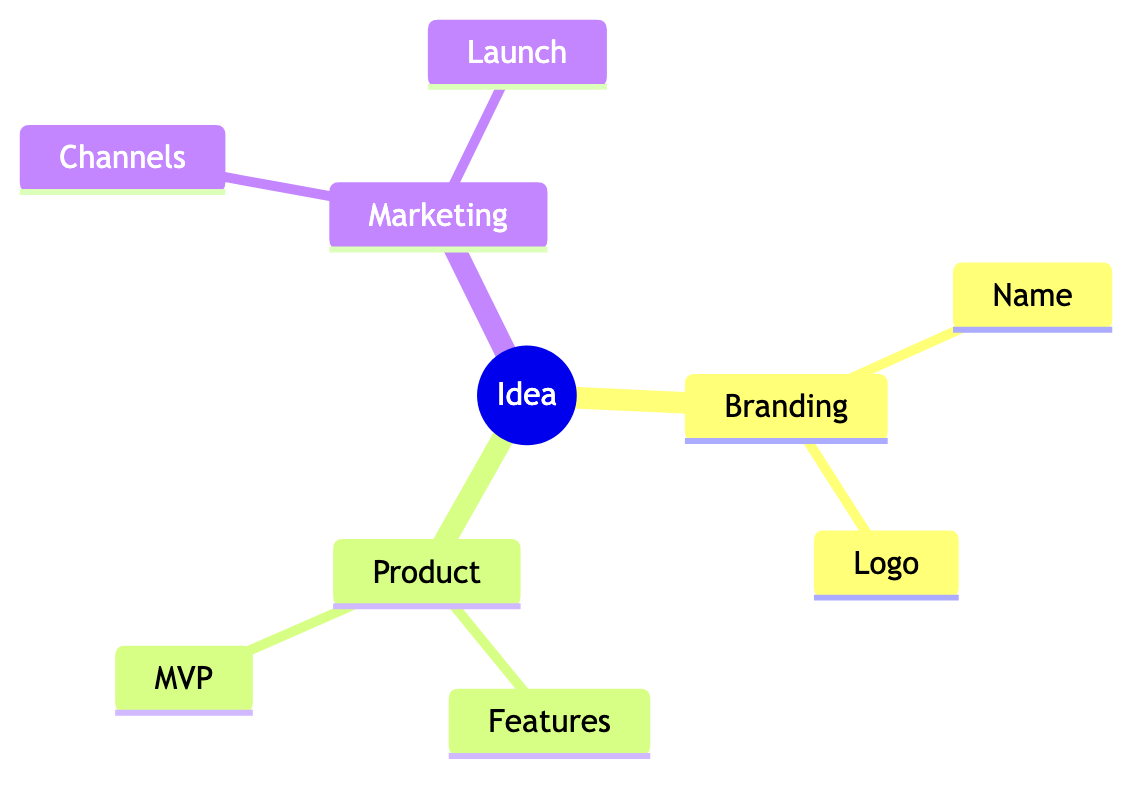
Mindmap syntax cheat sheet
| What it does | Syntax | Notes |
|---|---|---|
| Start | mindmap | Selects mindmap syntax. |
| Root | root((Product)) | Creates the central topic. |
| Child | Research | One indent level creates a child branch. |
| Grandchild | Interviews | A further indent nests the topic deeper. |
| Square shape | Plan[Q3 plan] | Square brackets draw a box instead of a bubble. |
| Rounded shape | Idea(Pricing) | Parentheses draw a rounded topic. |
Editable mindmap examples
- Brainstorm — Edit this product discovery mindmap in Mermaid, inspect the rendered result, and adapt the working source for your own documentation.
All mindmap examples · the whole example library
Frequently asked questions
Why does indentation matter in a Mermaid mindmap?
Indentation defines the parent of each topic, so inconsistent spacing silently changes the hierarchy or stops the mindmap rendering.
Can mindmap topics use different shapes?
Yes. Mermaid provides several delimiters for the root and for topics, which is a simple way to mark decisions or open questions.
Can I start from an editable brainstorm?
Yes. This page loads a small product-discovery mindmap that you can rename, prune, and extend in place.
Keep reading
Export formats · Fix diagram errors · all guides
mermaid.tools is an independent editor not affiliated with the Mermaid.js project or Mermaid Chart / mermaid.ai. Diagrams render in your browser with Mermaid 11.17.2.